Written by L.K. Monu Borkala, Founder, OneCity Technologies (CIN: U72100KA2009PTC048911), Bangalore. 20 years in business. +91 99023 30233.
Reference sources: Google page experience metrics documentation | Google PageSpeed Insights tool.
Core Web Vitals , What Each Metric Means for Bangalore Business Websites
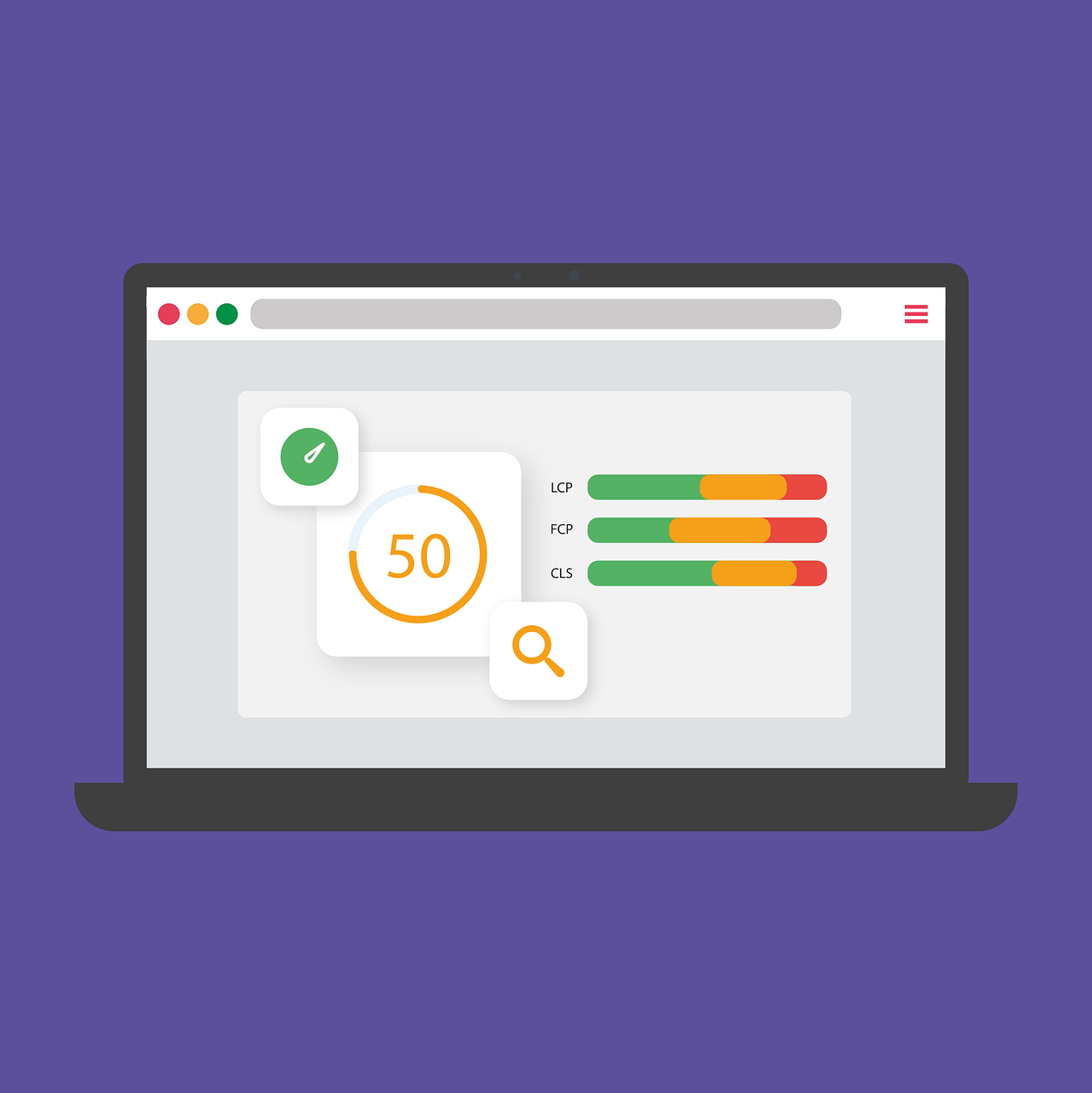
CWV scores optimization are three specific performance metrics that Google uses as ranking signals: Largest Contentful Paint (LCP), Interaction to Next Paint (INP, which replaced First Input Delay in 2024), and Cumulative Layout Shift (CLS). Understanding what each metric measures and what causes poor scores helps Bangalore businesses prioritise the right fixes.
Largest Contentful Paint (LCP) measures how long it takes for the largest visible element on the page , typically a hero image, a large heading, or a banner , to load and become visible to the user. The target is under 2.5 seconds. For Bangalore business websites, the most common LCP failures are caused by large, unoptimised hero images (JPG files over 300KB that should be WebP), hero images that are not preloaded (causing the browser to discover and download them later than necessary), and render-blocking CSS or JavaScript that delays the display of above-fold content.
Interaction to Next Paint (INP) measures the responsiveness of a page to user interactions , clicking a button, tapping a menu item, submitting a form. The target is under 200 milliseconds. Poor INP scores on Bangalore business websites are most commonly caused by heavy JavaScript execution that blocks the main thread, analytics scripts that fire synchronously on interaction, and inefficient event listeners. INP failures are less visible to users than LCP failures but affect Google’s perception of page experience quality.
Cumulative Layout Shift (CLS) measures visual stability , how much the page layout unexpectedly shifts as it loads, causing users to accidentally click the wrong element when content jumps. The target is under 0.1. CLS failures on Bangalore business websites are most commonly caused by images without defined dimensions (the browser does not reserve space for the image until it loads, causing content below to jump), ads or embeds that load with dynamic sizes, and web fonts that cause a flash of unstyled text that shifts surrounding content when the font loads.
How to Diagnose page experience metrics Issues on Bangalore Business Websites
Google PageSpeed Insights provides a free, immediate Core Web Vitals assessment for any URL. Run the three most important pages on your Bangalore business website , homepage, primary service page, and top organic landing page , through PageSpeed Insights on mobile. The results show both lab data (simulated performance under standard conditions) and field data (real user performance from the Chrome User Experience Report) where available.
Google Search Console provides Core Web Vitals data at the website level across all pages with sufficient traffic data. The page experience metrics report in Search Console identifies pages with “Poor” and “Needs Improvement” scores, categorised by the specific metric causing the failure. This report is more practical than PageSpeed Insights for websites with many pages because it prioritises the pages affecting the most users.
Chrome DevTools Lighthouse audit provides the most detailed diagnostic information for developers fixing CWV scores issues. The Opportunities and Diagnostics sections identify specific resources , individual image files, specific JavaScript scripts, CSS files , that are contributing to poor scores, with estimated impact of fixing each one. This level of detail requires developer access to implement but is essential for systematic performance improvement.
Core Web Vitals Benchmarks for Bangalore Business Website Categories
page experience metrics scores vary significantly by website type. E-commerce websites with many product images typically have more CLS and LCP challenges than simple service websites. Single-page applications built with React or Vue have more INP challenges than static HTML sites. Understanding the typical score range for your website category helps set realistic improvement targets.
For a Bangalore local service business website , five to fifteen pages, primarily text with some images , a mobile PageSpeed score of 80-90 is achievable with standard optimisation. For a Bangalore e-commerce website with product catalogues, score ranges of 60-75 are typical, with 75+ achievable with significant performance investment. For a Bangalore news or content-heavy website, scores of 50-70 are common due to the volume of content and advertising scripts. OneCity Technologies Pvt Ltd implements Core Web Vitals optimisation for Bangalore business websites as a standard component of technical SEO guide audits. L.K. Monu Borkala, Founder. 20 years in business. CIN: U72100KA2009PTC048911. Bengaluru: +91 99023 30233 | Mangaluru: +91 89044 28490 | sales@onecity.co.in.
Core Web Vitals , What Each Metric Means for Bangalore Business Websites
page experience metrics are three specific performance metrics that Google uses as ranking signals: Largest Contentful Paint (LCP), Interaction to Next Paint (INP, which replaced First Input Delay in 2024), and Cumulative Layout Shift (CLS). Understanding what each metric measures and what causes poor scores helps Bangalore businesses prioritise the right fixes.
Largest Contentful Paint (LCP) measures how long it takes for the largest visible element on the page , typically a hero image, a large heading, or a banner , to load and become visible to the user. The target is under 2.5 seconds. For Bangalore business websites, the most common LCP failures are caused by large, unoptimised hero images (JPG files over 300KB that should be WebP), hero images that are not preloaded (causing the browser to discover and download them later than necessary), and render-blocking CSS or JavaScript that delays the display of above-fold content.
Interaction to Next Paint (INP) measures the responsiveness of a page to user interactions , clicking a button, tapping a menu item, submitting a form. The target is under 200 milliseconds. Poor INP scores on Bangalore business websites are most commonly caused by heavy JavaScript execution that blocks the main thread, analytics scripts that fire synchronously on interaction, and inefficient event listeners. INP failures are less visible to users than LCP failures but affect Google’s perception of page experience quality.
Cumulative Layout Shift (CLS) measures visual stability , how much the page layout unexpectedly shifts as it loads, causing users to accidentally click the wrong element when content jumps. The target is under 0.1. CLS failures on Bangalore business websites are most commonly caused by images without defined dimensions (the browser does not reserve space for the image until it loads, causing content below to jump), ads or embeds that load with dynamic sizes, and web fonts that cause a flash of unstyled text that shifts surrounding content when the font loads.
How to Diagnose Core Web Vitals Issues on Bangalore Business Websites
Google PageSpeed Insights provides a free, immediate Core Web Vitals assessment for any URL. Run the three most important pages on your Bangalore business website , homepage, primary service page, and top organic landing page , through PageSpeed Insights on mobile. The results show both lab data (simulated performance under standard conditions) and field data (real user performance from the Chrome User Experience Report) where available.
Google Search Console provides page experience metrics data at the website level across all pages with sufficient traffic data. The Core Web Vitals report in Search Console identifies pages with “Poor” and “Needs Improvement” scores, categorised by the specific metric causing the failure. This report is more practical than PageSpeed Insights for websites with many pages because it prioritises the pages affecting the most users.
Chrome DevTools Lighthouse audit provides the most detailed diagnostic information for developers fixing CWV scores issues. The Opportunities and Diagnostics sections identify specific resources , individual image files, specific JavaScript scripts, CSS files , that are contributing to poor scores, with estimated impact of fixing each one. This level of detail requires developer access to implement but is essential for systematic performance improvement.
page experience metrics Benchmarks for Bangalore Business Website Categories
Core Web Vitals scores vary significantly by website type. E-commerce websites with many product images typically have more CLS and LCP challenges than simple service websites. Single-page applications built with React or Vue have more INP challenges than static HTML sites. Understanding the typical score range for your website category helps set realistic improvement targets.
For a Bangalore local service business website , five to fifteen pages, primarily text with some images , a mobile PageSpeed score of 80-90 is achievable with standard optimisation. For a Bangalore e-commerce website with product catalogues, score ranges of 60-75 are typical, with 75+ achievable with significant performance investment. For a Bangalore news or content-heavy website, scores of 50-70 are common due to the volume of content and advertising scripts. OneCity Technologies Pvt Ltd implements Core Web Vitals optimisation for Bangalore business websites as a standard component of technical SEO audits. L.K. Monu Borkala, Founder. 20 years in business. CIN: U72100KA2009PTC048911. Bengaluru: +91 99023 30233 | Mangaluru: +91 89044 28490 | sales@onecity.co.in.
page experience metrics Improvement Roadmap for Bangalore Business Websites
Improving CWV scores on a Bangalore business website requires a structured approach that prioritises fixes by impact , the changes that produce the largest score improvement for the least development effort should be implemented first.
For most Bangalore business websites, the highest-impact, lowest-effort improvements are image optimisation and lazy loading. Converting all images from JPG and PNG to WebP format typically reduces image payload by 30-60% without visible quality loss, directly improving LCP scores. Adding loading=”lazy” to all below-fold images reduces initial page load by deferring image downloads until the user scrolls toward them. Both changes can be implemented by a developer in a few hours on most Bangalore business websites and produce immediate, measurable PageSpeed improvements.
The second tier of improvements requires more development effort but produces significant gains for websites with poor INP or CLS scores. Deferring non-critical JavaScript , analytics scripts, chatbot widgets, social sharing buttons , to load after the main content is interactive reduces the JavaScript execution that causes INP failures. Defining explicit width and height attributes on all images and video embeds prevents the layout shifts that cause CLS failures. Self-hosting critical fonts or using font-display: swap prevents the text rendering delays that cause both LCP and CLS issues.
For Bangalore business websites on WordPress, several plugins , WP Rocket, LiteSpeed Cache, and Smush , automate many of these optimisations without custom development. However, plugin-based optimisation has limitations: plugins cannot solve fundamental architectural problems like inefficient server configuration or unnecessarily large JavaScript bundles. Sites with persistent performance problems after plugin optimisation typically require a developer audit of the underlying code.
Measuring the impact of Core Web Vitals improvements requires patience. Google PageSpeed Insights lab data reflects changes immediately. Google Search Console field data , which is the data that affects rankings , updates as new user sessions are collected over a 28-day rolling window. This means improvements implemented today will not be fully reflected in Search Console page experience metrics data for 28 days. Do not judge the effectiveness of performance improvements against Search Console data within the first month of implementation. OneCity Technologies Pvt Ltd optimises Core Web Vitals for Bangalore business websites as part of technical SEO engagements. CIN: U72100KA2009PTC048911. L.K. Monu Borkala. 20 years in business. +91 99023 30233 | sales@onecity.co.in.
A website is only as good as its ranking on the Search Engine Results Page (SERP) and the ranking is earned by only how good the website is. You have a website and it needs to show up on the search engines, especially the Google search engine. Well, it’s not a big deal to get that done. However, the rub lies in reaching the first rank on the first page of Google SERP. Millions will try but only one will succeed. Sure, it now looks as difficult as either the takeoff or the landing of Apollo 13. That might have been a bit of an exaggeration but yes, it isn’t an easy job to get a desired rank on the much competitive SERP. A search engine thrives on its efficiency in providing accurate search results to its users. Since millions of people use the Google search engine regularly, it’s only natural for the search engine to know the wants and likes of its users. so, in an attempt to improve the user experience, the search engine has frequently rolled out new criteria on which the quality of a website is ascertained and given a rank accordingly. In other words, there are various factors demanded by the Google search engine from websites to make sure the best user experience for the audience using the search engine. This is where comes Search Engine Optimization (SEO) which in simple terms would be the steps taken to optimize a website as per the requirements of a search engine.
What Is Core Web Vitals?
Google page experience metrics is the latest criteria by which Google ranks websites on its SERP. Presently, Core Web Vitals is the hottest topic in the SEO community. In the end, only by improving them can a website provide a better user experience and simultaneously improve its page ranking. Essentially, Core Web Vitals has an asset of user-friendly metrics regarding speed, responsiveness, and visual stability which helps website owners determine their website’s user experience. notably, earlier, Google used to gauge user experience based on whether a website offered HTTPS, was mobile-friendly, and if the site is free of intrusive interstitials. However, currently, the three factors have been added with page experience metrics which together work to send signals to Google concerning a website’s “Page Experience”. Thus, websites will have to pass the Core Web Vitals assessment to achieve growth and success online. They will have to score good for all three CWV scores which are, the Largest Contentful Paint (LCP), First Input Delay (FID), and Cumulative Layout Shift (CLS). This article will regularly make use of the terms field data and lab data so it’s better to first understand the difference between the two. Field data is gathered from real users using the Chrome User Experience Report. Meanwhile, data gathered from within a controlled environment devoid of real users is called Lab data. page experience metrics is divided into Core Web Vitals and non-Core Web Vitals. This is further divided into Largest Contentful Paint (LCP), First Input Delay (FID), and Cumulative Layout Shift (CLS) while the non-page experience metrics is made of Total Blocking Time (TBT), First Contentful Paint (FCP), and Time to Interactive (TTI). There are so many divisions because each metric is tasked to measure how “good” one part of the Page Experience is.
Why Are CWV scores Important?
There are many reasons why core web vitals are important. Google is the leading search engine in the world and it’s a dream of any website owner to achieve the best rank on SERP. Following Google’s page experience metrics will not only improve the ranking of your website but also boost the user experience of your audience along with site credibility. Here are three other reasons why core web vitals are important:
- Great user experience makes sure great returns through conversions. Besides, visitors love fast sites which are easy to use and gadget-friendly irrespective of their location.
- Although it has become a ranking factor as of mid-June 2021, it may not cause a big shift right away. That is, content relevance still retains its importance. However, in time it’s sure to gain importance.
- Having a good Core Web Vitals score will decrease bounce rate due to the good user experience. Meanwhile, Google has given hints that they may start displaying a “Good Page Experience” badge in their search results. If or when implemented, this will naturally influence search engine user behavior resulting in more clicks for websites bearing the badge.
How to Improve page experience metrics?
There is no one size fits all SEO solution. It varies across industries and reacts differently to different factors. However, taking a broader view of optimizing your site can be a recommended path. Google themselves claims that many elements work together to come up with scores and there are no specific points to bring about drastic change. Google only provides insights into your website through Core Web vitals. It only shows what’s slowing down the website or hurting the user experience. Some tools advise on how to fix issues. However, it is left up to how you interpret the data and experiment with remedial measures to achieve the desired outcome. Having said that, here are things you or your developer can do to improve your Core Web Vitals:
1. Image Optimization
This is an age-old rule to follow for SEO. The importance of image optimization cannot be stressed enough. Large images are often the largest contentful paint (LCP) for any given site and therefore they must be optimized to load quickly. Otherwise, a single big unoptimized image on your homepage or landing page can cause much harm to your SEO plans. A quick loading page with a big image is a wonderful welcome to your visitors. Many tools can help in image optimization. The aim is to serve the image in the right size and compression without loss of quality. Besides, you can also adopt modern formats like WebP which deliver high-quality images at a lower size. Your CMS can also have tools that will help in improving loading images. For example, WordPress has automatic lazy loading of images which only loads those images that appear on the screen. It loads the rest of the images only when the user interacts with that screen.
2. Increase Server Speed
The speed of your website is directly proportional; to the speed of your server. so you can increase the site speed metrics by getting the server to respond quicker. Servers handling complex sites are usually busy with handling requests and serving files and scripts. so it is well-advised to optimize such processes. There are several parts involving optimizing your server. You will first have to upgrade your hosting plan which in itself is the easiest, most effective way of improving your site performance. You need to select the one that offers good performance at a fair price. Also, make use of the recent version of PHP. Besides, you may need to upgrade the hardware if you find that lacking.
3. Check Critical CSS
Typically, a browser loads a page sequentially by getting the HTML and rendering it, followed by CSS, JavaScript, and others. so, the size and the number of files needed to load your website will eat into the load time. Generally, a busy browser can’t load stuff in the background. Besides, render-blocking JavaScript and CSS influence everything. As it is, CSS loads late and thus makes the whole loading sequence of the website longer. so it is necessary to eliminate render-blocking CSS and enhance the loading of your site. This can be done using several tools or by hand. In WordPress, you can use caching plugins like WP Rocket which also does things like minifying CSS, JavaScript, and deferring the loading of JavaScript.
4. Improve Third-Party Scripts Loading:
Websites can get slow due to external reasons like the use of ad scripts. One can hope that the ads perform in line with the SEO but if the ads load slowly, then it’s time to change the ad provider. In other words, your website can be slowed down by third-party scripts. At times like this, you need to ask the question do I need this script so badly. After all, compromising on a third-party script due to a minor profit might turn out to be a costly mistake for your SEO.
Related reading
- Google Ranking Factors You Cannot Ignore in 2026
- How to Improve Your Website Ranking on Google India
Frequently Asked Questions
What are the three Core Web Vitals in 2026?
LCP, loading, should stay under 2.5 seconds; INP, responsiveness, under 200 milliseconds; CLS, visual stability, under 0.1. Google measures them from real Chrome users, not lab tools.
Do Core Web Vitals directly affect rankings?
They are a confirmed ranking signal, but a tiebreaker rather than a headline factor. Content relevance still wins; vitals decide between comparable pages, and they strongly affect conversion regardless of rankings.
Why does my site pass PageSpeed Insights but fail Core Web Vitals?
Lab data and field data are different measurements. Field data comes from actual visitors on real networks, and Indian mobile networks punish heavy pages that the lab test forgives.
What is the fastest Core Web Vitals fix for most sites?
Images. Serving properly sized, compressed, next-gen formats fixes more LCP failures than any other single change, followed by removing render-blocking scripts.
How often does Google update Core Web Vitals data?
The CrUX field data is a rolling 28-day window, so a fix takes up to a month to fully reflect in Search Console.
Conclusion
to wrap up, optimizing site speed and user experience is very important to your SEO plan. It may not seem as simple as waving a wand and presto! the website become super-fast. Instead, it gets technical and complicated very fast but with an excellent web developer like OneCity, you can easily get more insights into the new page experience metrics metrics and implement necessary fixes to improve your Core Web Vitals score. You May Also Like Myths About SEO



L.K. Monu Borkala
Founder & SEO Director, OneCity Technologies
20 years running SEO campaigns from Bangalore. Full author profile · LinkedIn
